
File tools and job search
AI Image Optimizer & Next-Gen Converter | Job Finder
Optimize and convert your image files in one place, then move straight to browsing verified job openings and reviewing role details.
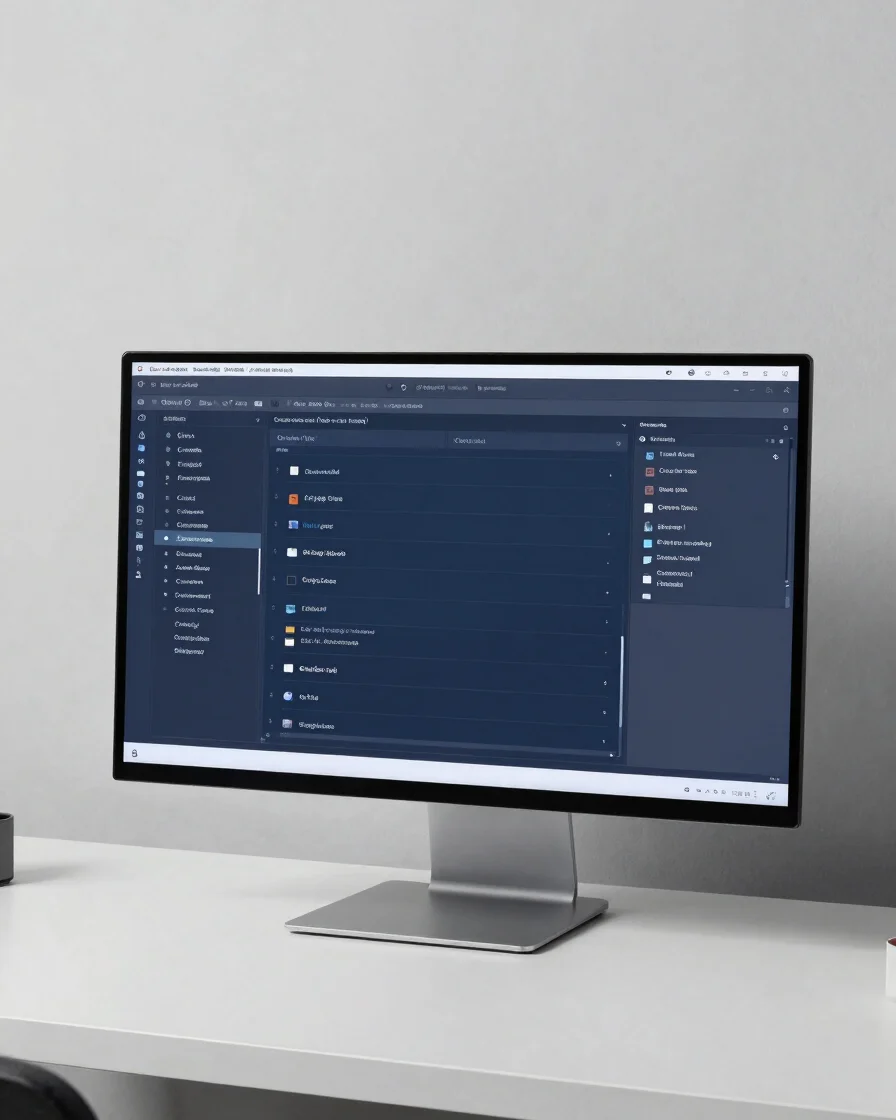
File tools
Process files with clear control
Work through the core file tasks from one screen, with each step kept visible.
Format
Format conversion
Choose a source file and a target format, then start the conversion from the same panel.
Optimize
Optimization settings
Set quality and size parameters before you process an image, so the output matches your use.
Track
Task queue monitoring
See every conversion task listed with its current state, from waiting through to complete.
Job discovery
Find roles that fit your next step
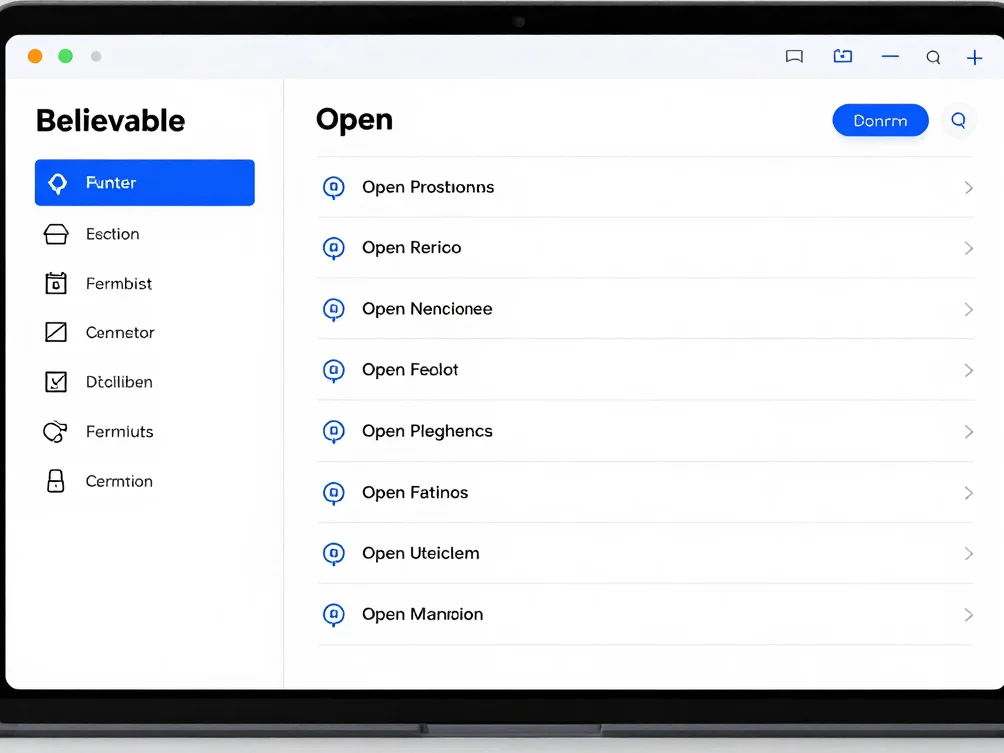
Browse
Filter by industry
Narrow the job list to the fields you care about, so the listings you see match your search.
Details
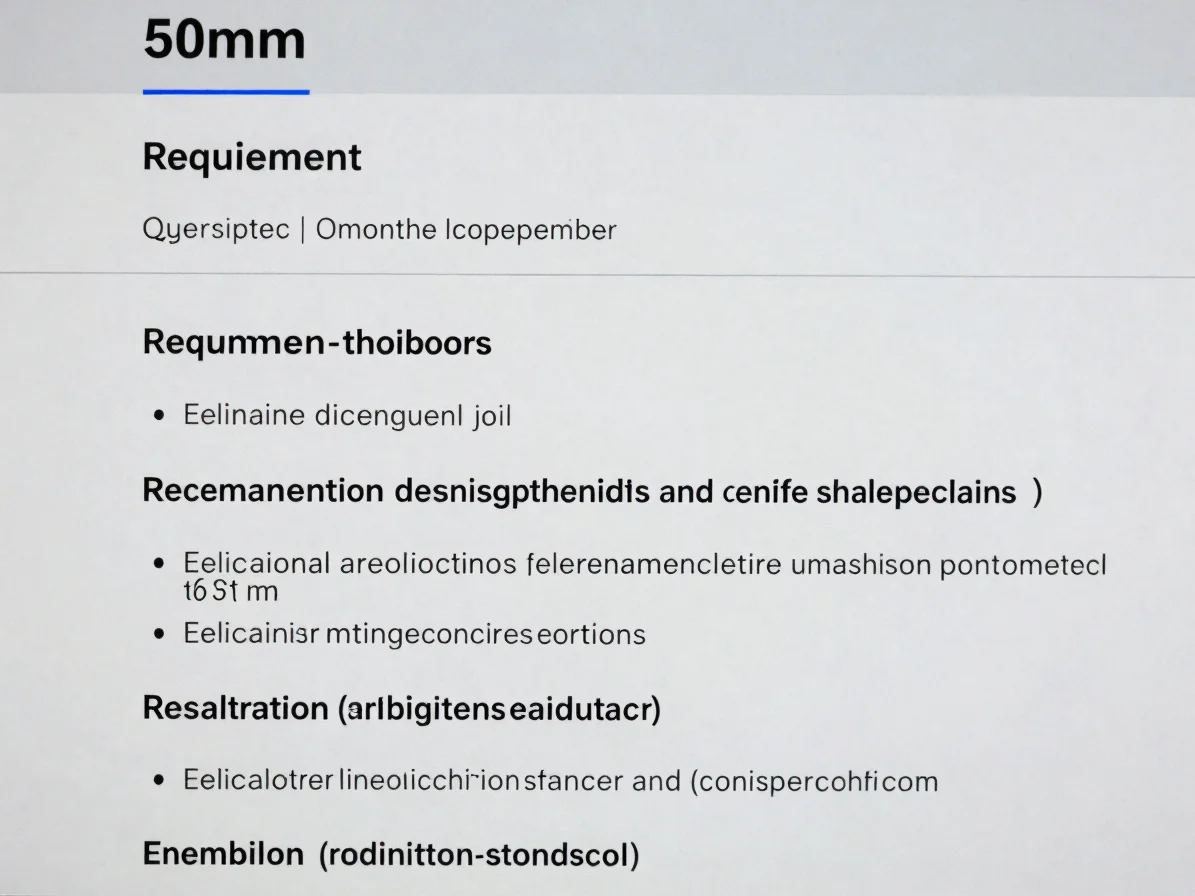
Review role details
Open a listing to read its responsibilities and requirements before you decide whether to apply.
Start with a file or a role
Open the tools to process files, or browse current job openings.